
Live Activity
Your hours on the Lock Screen
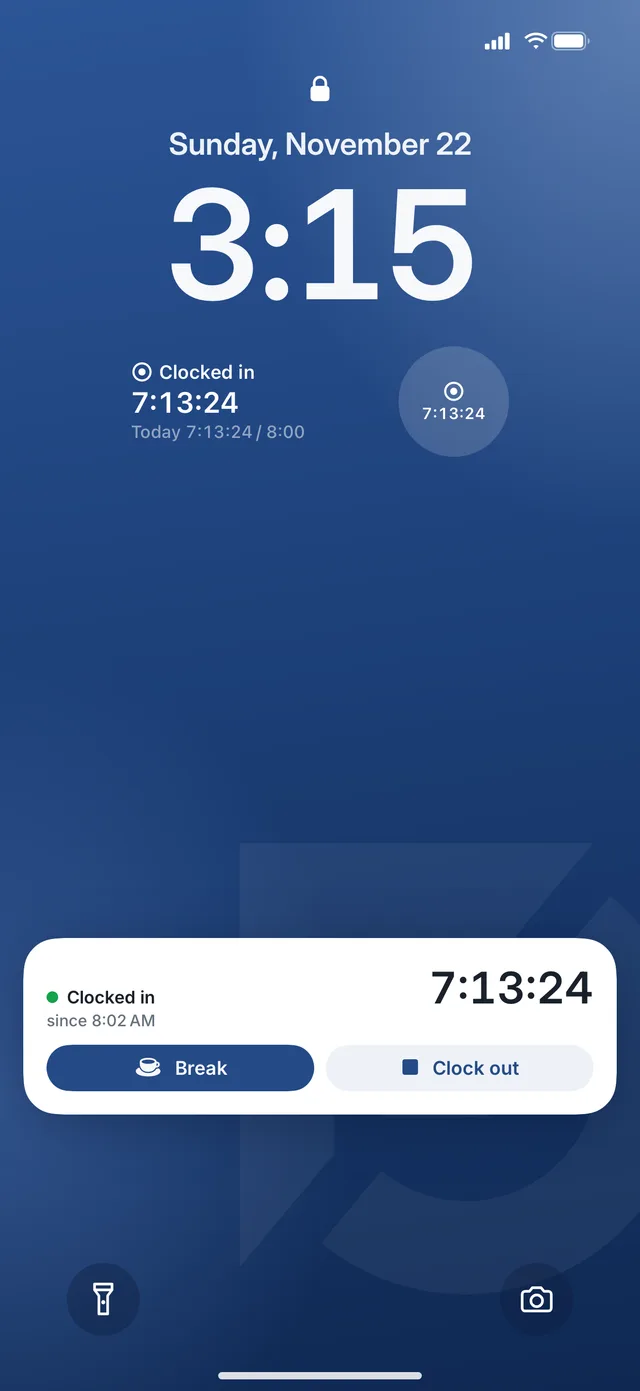
While you're on the clock, a Live Activity shows your time on the Lock Screen and in the Dynamic Island. Pause or stop it from there without opening the app.

FlowTime for iPhone and iPad
Clock in, take a break, clock out. Each one is a single tap in the FlowTime app, and your hours go straight to your FlowSuite account, even when you have no signal.
Coming soon to the App Store
FlowTime in the browserFor everyone with a FlowSuite account and access to FlowTime.
Punch clock or project timer
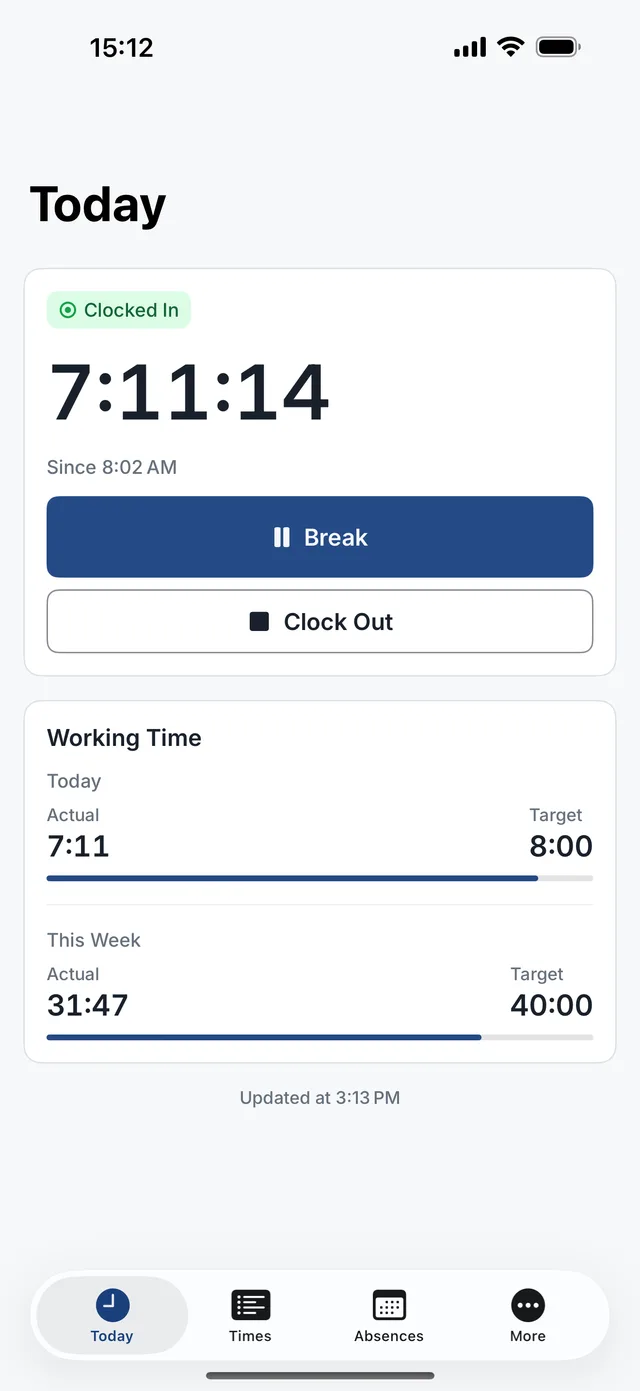
The app follows the way of working your team picked in FlowSuite. With the punch clock you clock in and out, and breaks are logged as you go. With the project timer you pick a project, add a description, start the timer and stop it when you're done.
The app works with your FlowSuite account, so the web dashboard shows the same numbers you see on your phone.
Live Activity
While you're on the clock, a Live Activity shows your time on the Lock Screen and in the Dynamic Island. Pause or stop it from there without opening the app.
Your hours
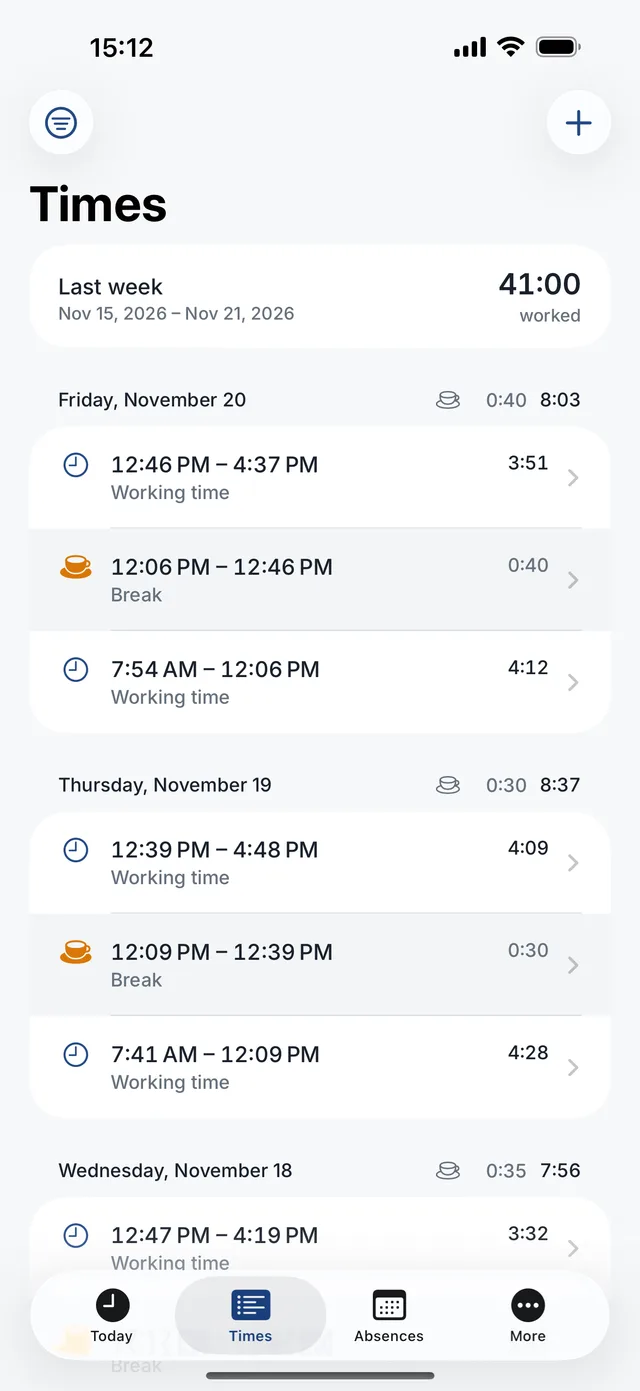
All of your entries sit in one list, with a total for the week. Add the hours you forgot, and fix or delete the wrong ones.
Time off and shifts
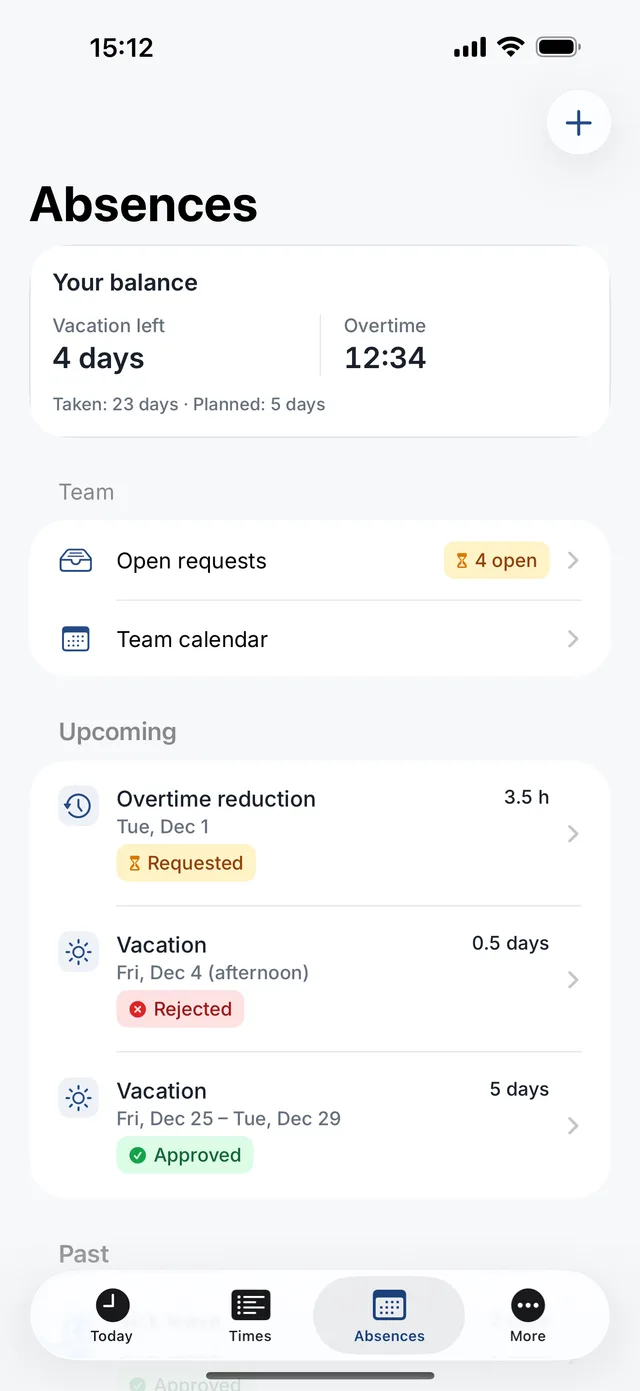
Request vacation and other time off in the app and get a notification once it's been decided. Your overtime balance and remaining vacation days sit right next to it.
Widgets and Siri
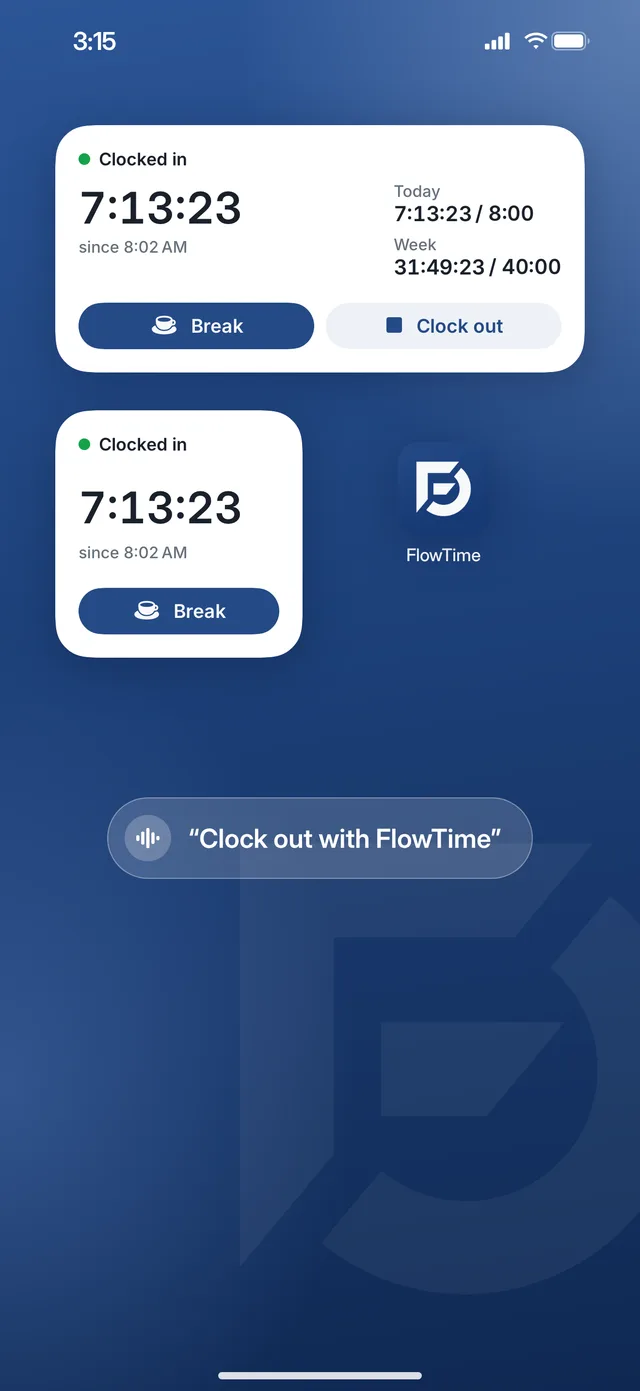
Home Screen and Lock Screen widgets show if you're clocked in. Clock in or out with Siri or the Shortcuts app without opening FlowTime.
No signal
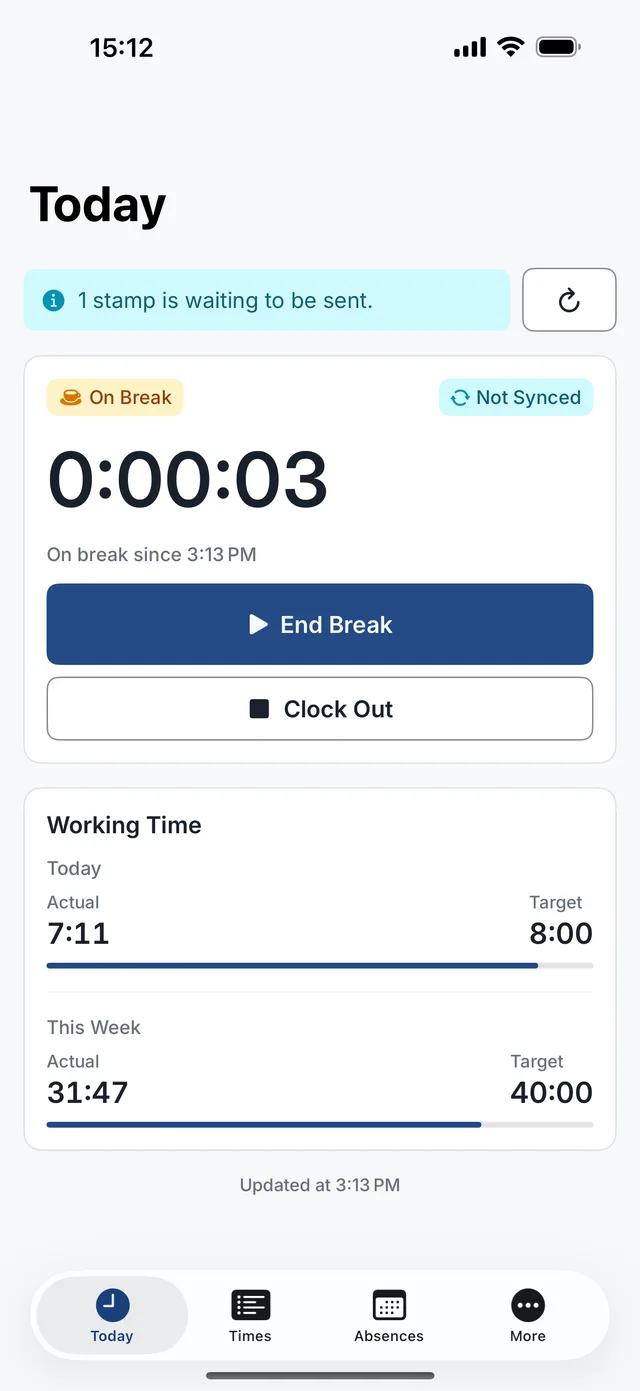
In a basement or a dead zone, FlowTime saves every stamp with the time you actually tapped and sends it once you're back online. Anything that hasn't been sent yet is marked in the app.
The live view shows who is working right now and who is on a break. Approve time off on the go and keep the team calendar with you.
FlowTime lets you know when a timer has been running for more than 10 hours and reminds you to take a break after 6 hours of work. You can adjust both.
Set your work location and FlowTime reminds you to clock in and out when you arrive and leave, or does it for you. The feature is off until you turn it on.
Lock the app with Face ID or Touch ID if you like. Sign-in supports two-factor authentication on your FlowSuite account.
Reports, exports and shift planning for the team are still done in the FlowSuite web dashboard. If you belong to several teams, the app shows the one currently selected in your account.
Sign in with your FlowSuite account and clock in right away.
Coming soon to the App Store
Sign in